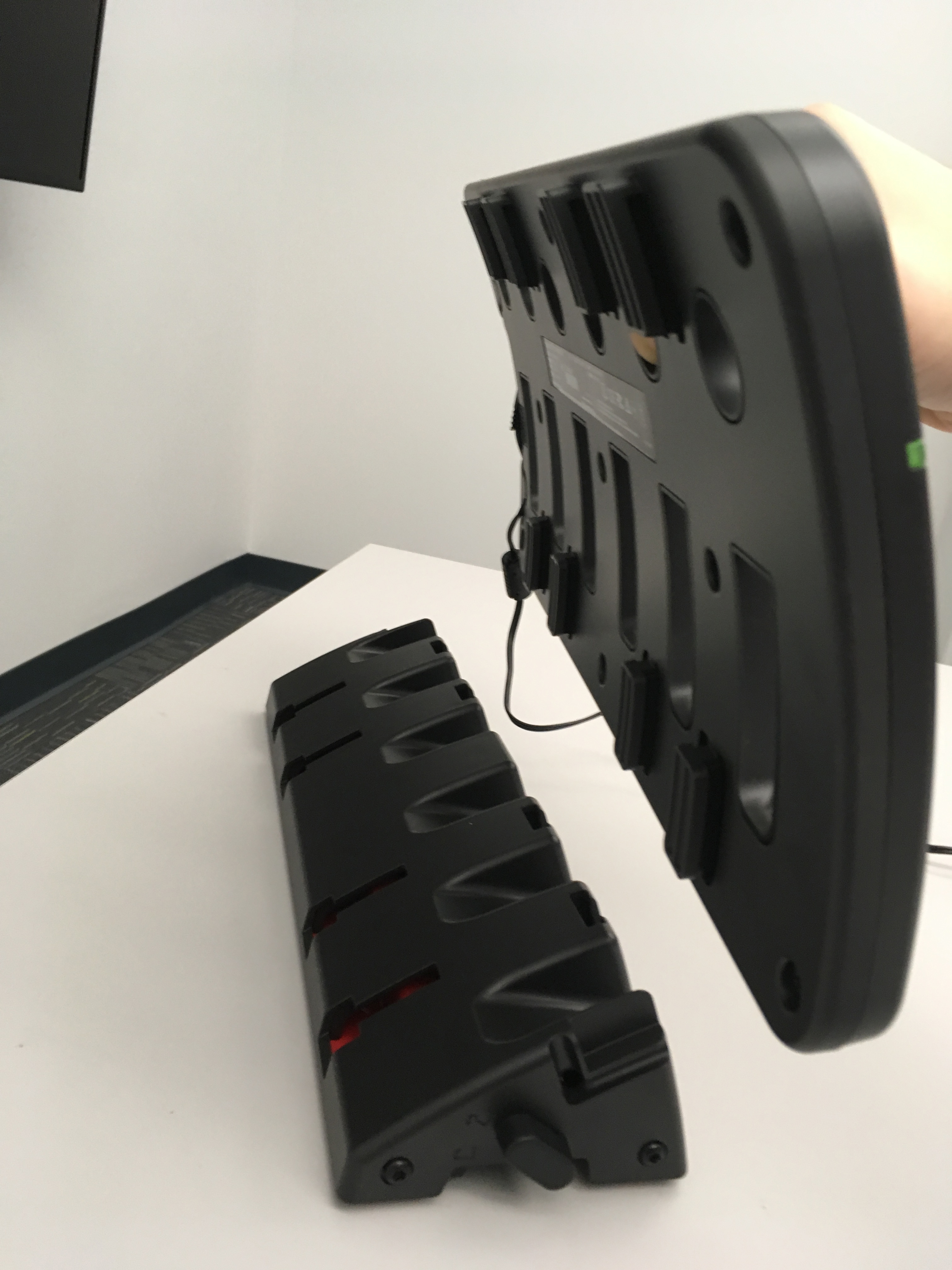
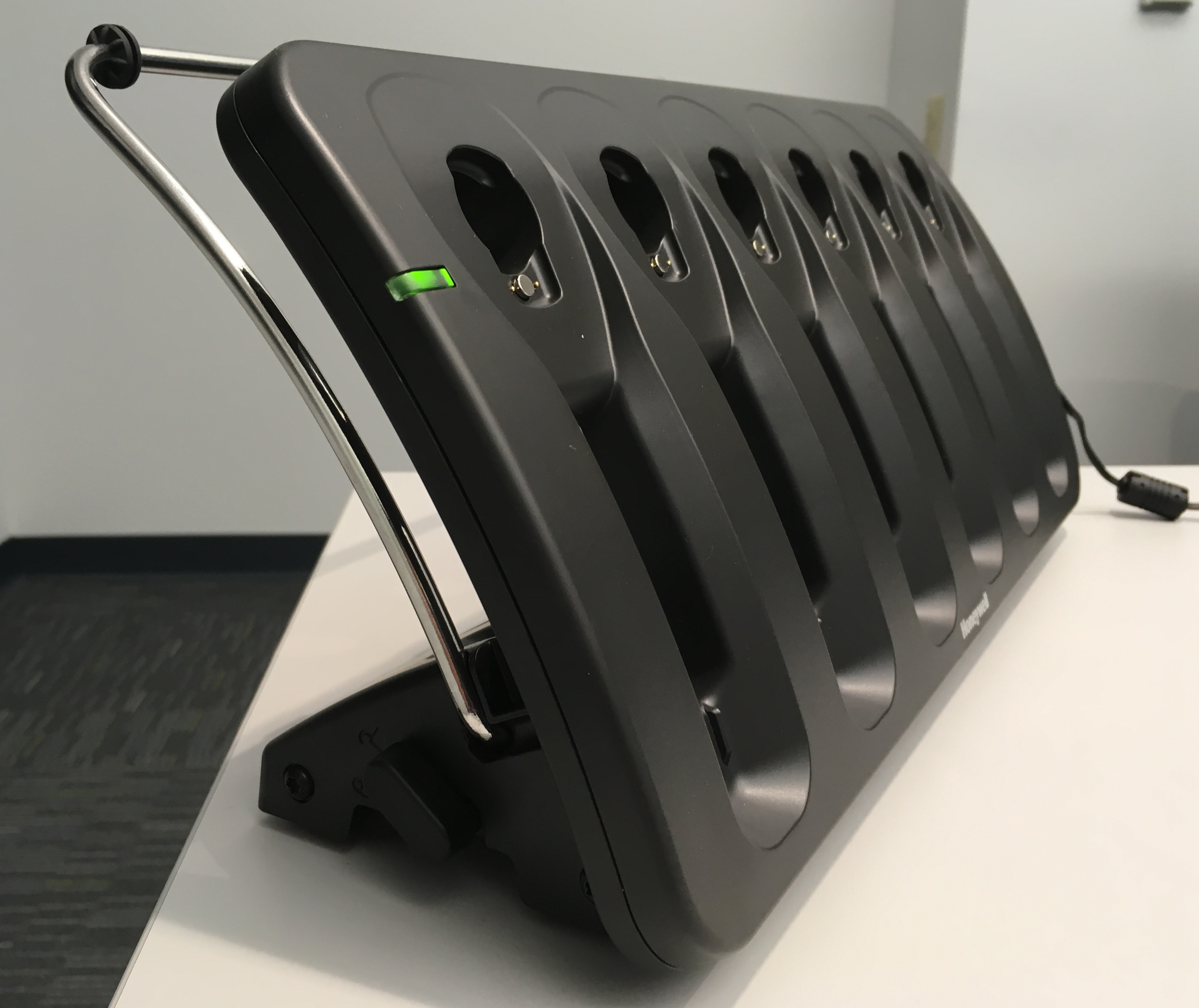
Assembling the Desktop Configuration of the Charger
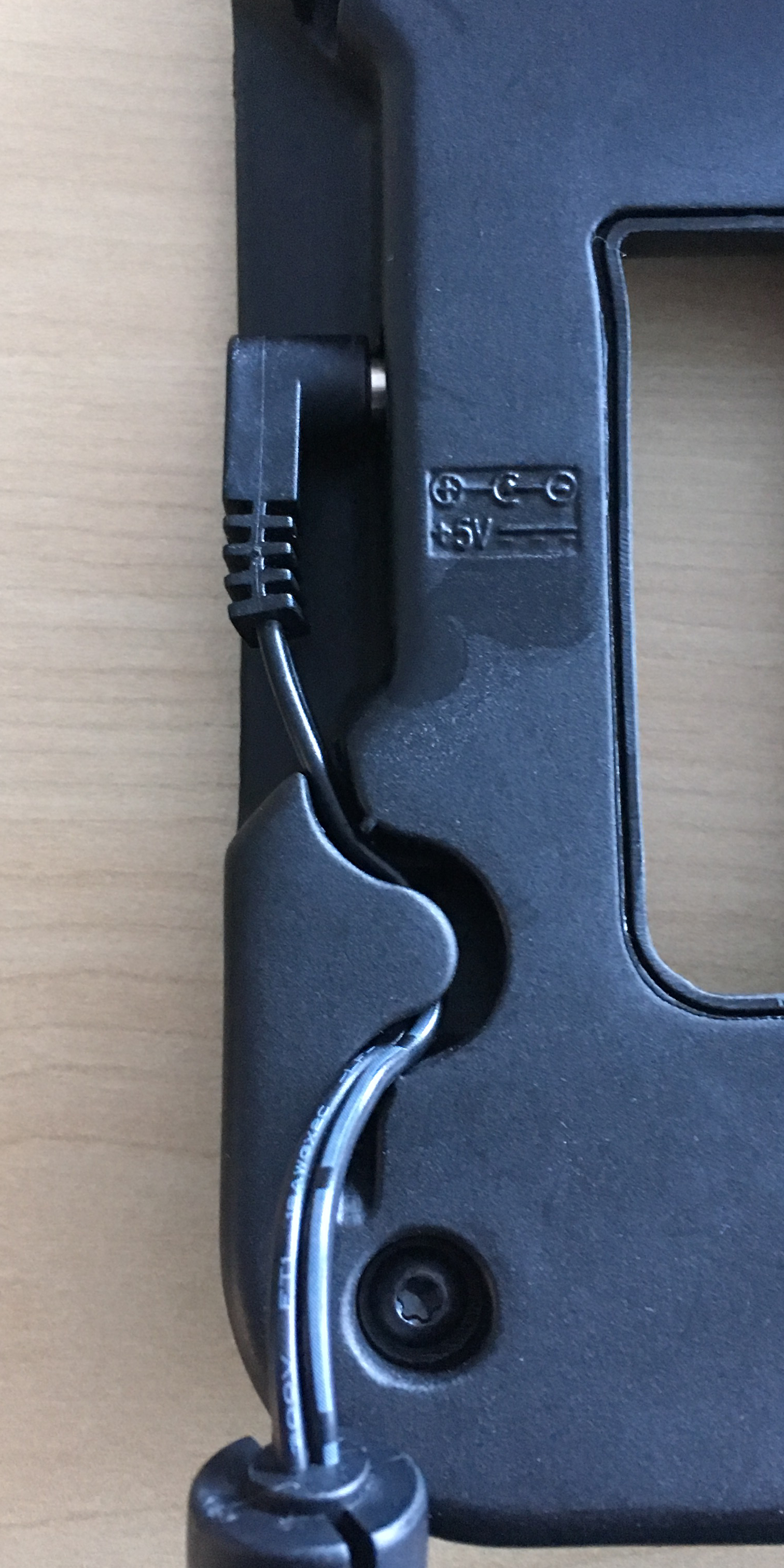
- Plug the power supply into the charger assembly. Make sure that you feed the
cable through the plastic strain-relief. There are two strain-reliefs, use
whichever better fits your charger installation.
- Align the groves on the bottom of the charger assembly with the holes on the dock assembly and slide the charger assembly into the dock assembly. The LED light remains in the upper left corner of the charger.
- Attach the headband rest to the charger by pulling it in opposite directions and aligning the rest with the groves and the holes in the dock assembly. The curve of the headband rest should match the curve of the charger in both configurations.
- Plug the power supply into the outlet and make sure the LED indicator light turns on.